SVG vs PNG vs EPS vs PDF vs DXF: which file to use
One picture, five formats. Which one the machine or the print shop actually wants.
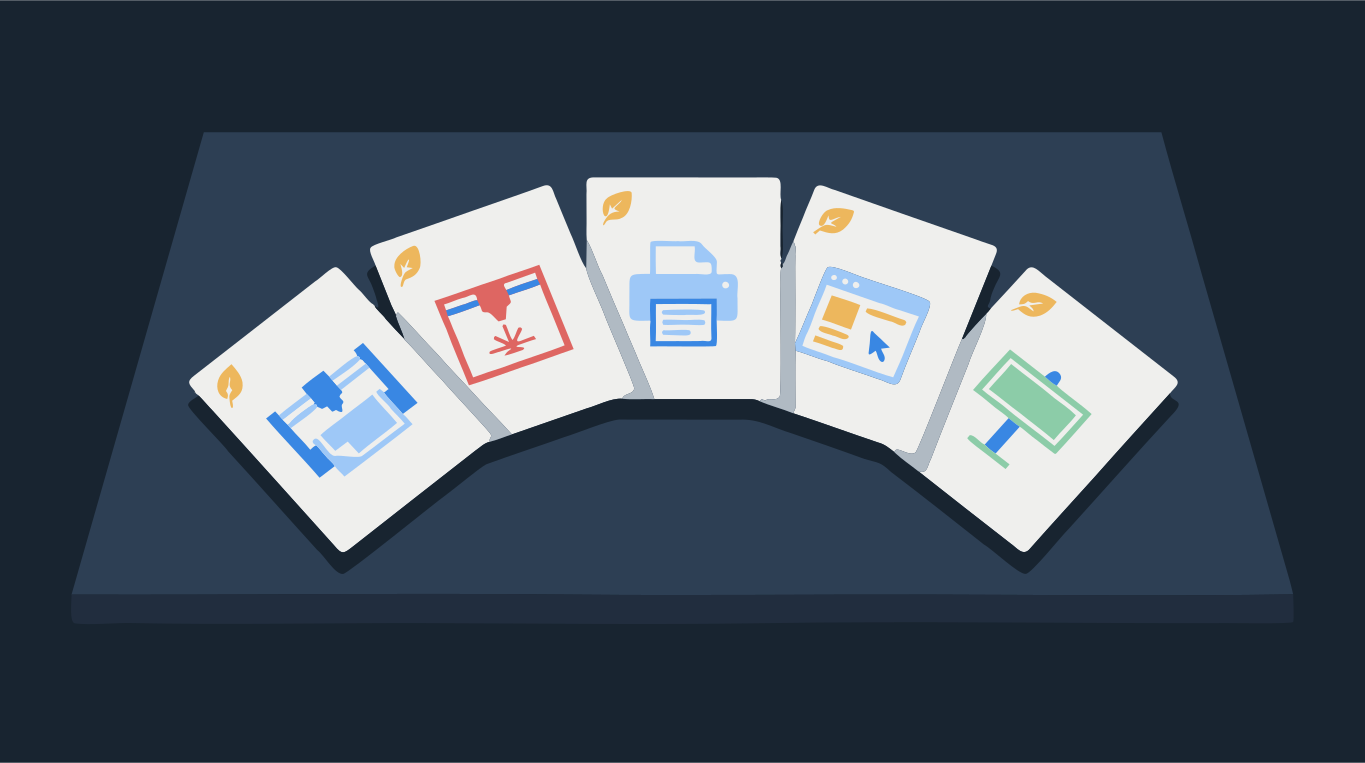
PNG is a picture made of pixels. SVG, EPS, PDF and DXF can hold shapes made of lines and curves, which scale to any size and which machines can follow. Pick by where the file is going: SVG for the web and cutting machines like Cricut and Silhouette, PDF or EPS for print shops and sign makers, DXF for CAD, CNC and many laser cutters, and PNG when someone just needs an image to place or engrave.
If you only have a PNG or JPG and need one of the vector formats, the picture has to be traced into shapes first. Renaming the file or saving it as PDF does not do that. Drop an image below, and you can download the same trace in every format.
Try it on your image
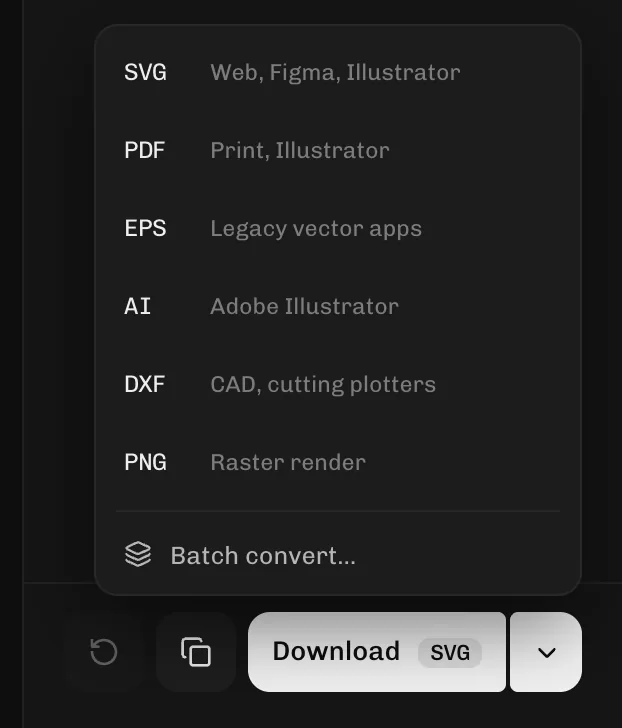
One trace — download as SVG, PDF, EPS, DXF or PNG
Quick answer: which format for what
- Cricut Design Space: SVG for layered cut files. DXF also works on desktop. PNG and JPG upload as single-layer images that you clean up in Design Space.
- Silhouette Studio: DXF opens in every edition. SVG needs a paid edition (Designer or higher) on desktop.
- Laser cutters: SVG or DXF for LightBurn and xTool. Glowforge works best with SVG or PDF; PNG and JPG are for engraving only.
- Print shops: PDF first, EPS for older workflows. Both keep the logo sharp at any size.
- Sign makers and promotional products: EPS, PDF or AI. Ask which one they want.
- Websites and apps: SVG for logos and icons, PNG or WebP for photos.
- Word, PowerPoint, Google Docs, social media: PNG. Download it at the size you need.
Raster vs vector in one minute
A raster file (PNG, JPG, WebP) stores a grid of colored squares. Enlarge it and the squares get bigger, so edges go soft or blocky. A vector file stores instructions: a curve from here to there, filled with this color. Enlarge it and the curve is redrawn sharp. That is why logos and cut files are vectors, and photos are rasters.
The catch is that PDF, EPS and even SVG can also carry a raster picture inside. A logo pasted into a PDF as an image is still pixels. To check, zoom in far on an edge: if it stays sharp, it is vector. The guide on getting a vector file of your logo shows more ways to check.
SVG
The web's vector format, and the most common cut file format. Browsers show it directly, design apps like Illustrator, Inkscape, Figma and Canva open it, and Cricut Design Space, LightBurn and Glowforge import it. It keeps true curves, colors and layers, which is why craft cut files are sold as SVG. Some CAD programs don't read it, and the free edition of Silhouette Studio does not open it.
PNG
A raster image with transparency. It is right for documents, slides, social posts and laser photo engraving, and it is what most image tools give you by default. It is wrong for anything that needs to scale or be cut: a cutting machine or laser cannot follow pixels, and a print at a large size goes soft. If you have a vector, you can always download a fresh, sharp PNG at a bigger size from it.
EPS
An older print format from the PostScript era. Many print shops, sign makers and merchandise suppliers still ask for it, and CorelDRAW and Illustrator open it. Browsers and most phone apps can't preview it, so it is a file you send rather than one you look at. If a printer asks for "vector EPS", they mean shapes, not a picture saved as EPS.
The safest file to send for print. Everyone can open it, it keeps vector shapes sharp, and print shops are built around it. LightBurn and Glowforge import it as well. Cricut Design Space does not accept PDF uploads, so use SVG there.
DXF
The CAD exchange format. CNC routers, plasma cutters, industrial lasers and CAD programs all read it, and it is the vector format the free edition of Silhouette Studio opens. It holds outlines only, without colors as layers the way SVG does. Curves are usually stored as chains of short straight lines, and sizes can change if the units don't match, so check the size after import. More on this in how to make a DXF file for laser cutting.
DXF vs SVG for cutting
Both describe the same shapes. Use SVG when your software reads it, because it keeps curves and color layers. Use DXF for CAD, CNC and industrial machines, or for Silhouette Studio's free edition. For laser cutting, export the shapes as Cut-outs so neighbouring shapes don't overlap and each edge is cut once.
Why your Cricut or print shop rejects a file
- The file is a renamed PNG or a picture inside a PDF: trace it into real shapes first.
- The format is not supported by that app: Cricut does not take PDF or EPS; Silhouette's free edition does not take SVG.
- An SVG made in a design app includes an embedded picture or effects the cutter ignores. See Cricut upload problems.
Want just the converter? Use PNG to SVG, PNG to EPS, PNG to PDF or PNG to DXF.