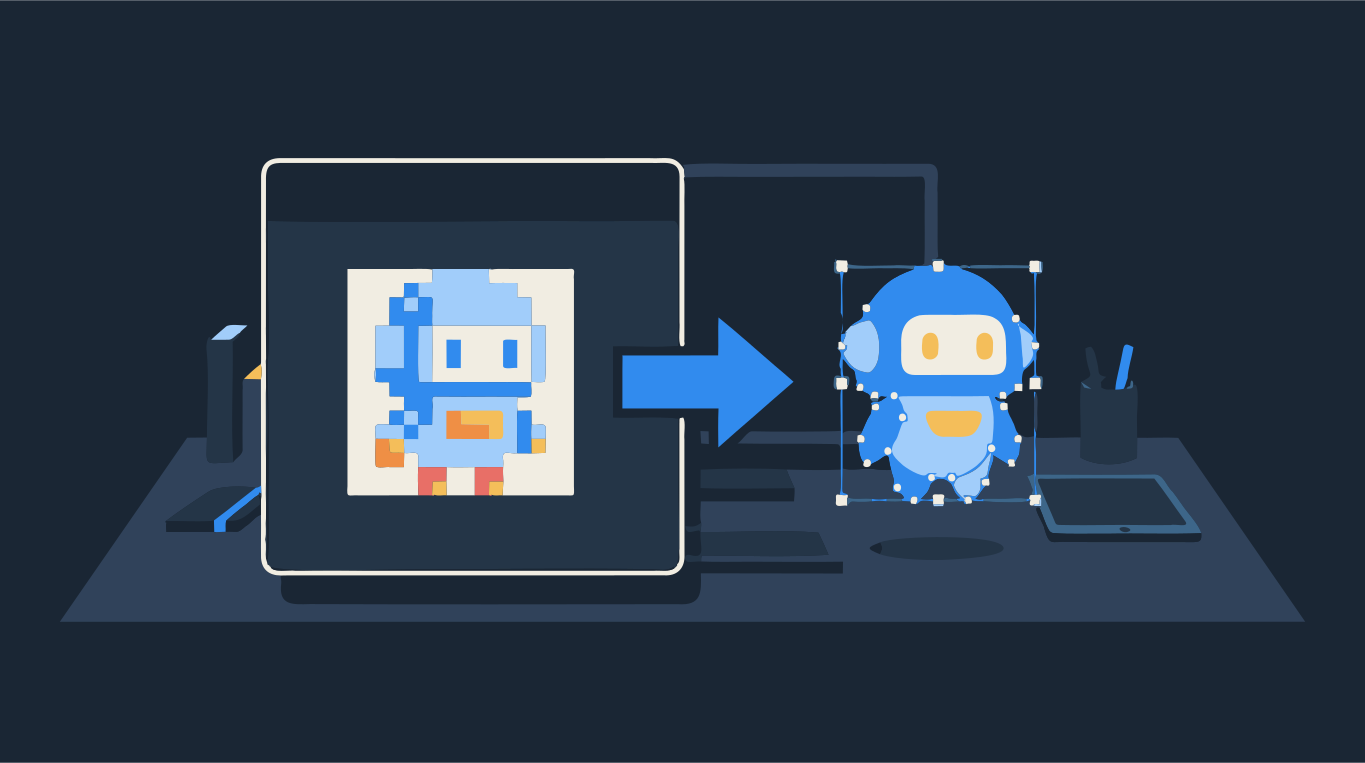
How to get a vector file of your logo
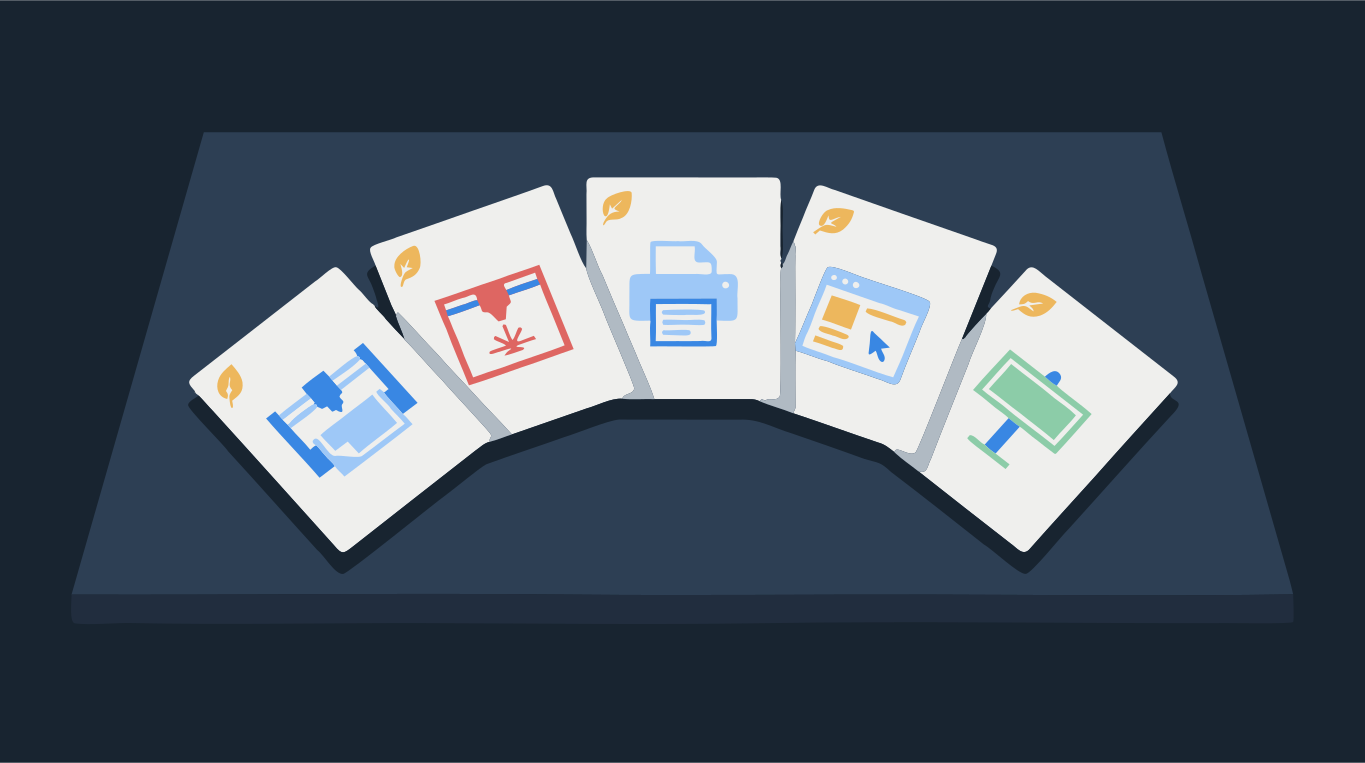
Printers, sign makers and embroidery shops ask for SVG, EPS or PDF. Here is how to get one.
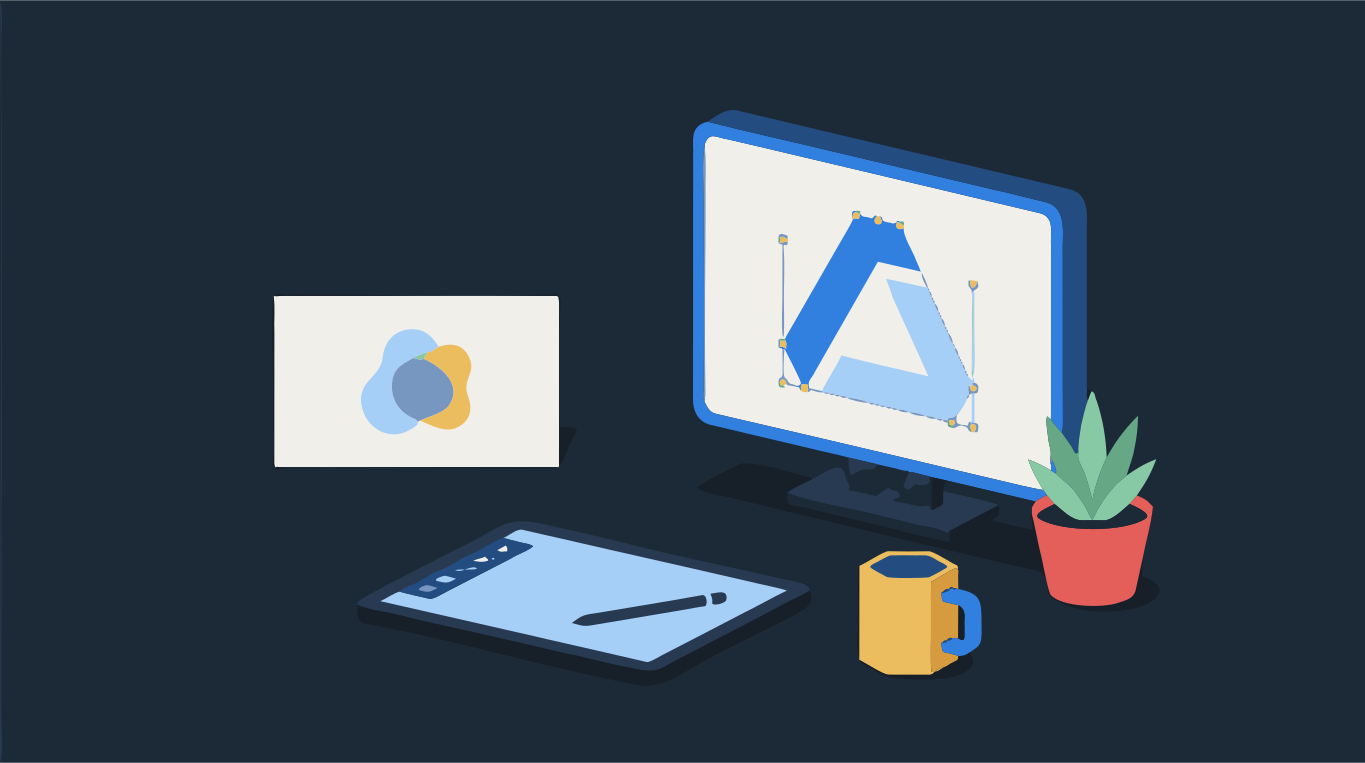
A vector file of your logo is a version made of shapes instead of pixels, saved as SVG, EPS, PDF or AI. It scales to a business card or a building without going blurry, which is why printers and sign makers ask for it. If all you have is a PNG or JPG, there are two ways to get one: find the vector version that may already exist, or trace the picture into a new vector file.
Look first. If a designer made the logo, the vector original almost certainly exists somewhere. If you can't find it, a clean trace of a simple logo takes a few minutes: upload the image, check the edges and download SVG, EPS or PDF. Drop your logo below to see the vector version.
Try it on your image
Vector logo — download as SVG, EPS or PDF
Where your logo's vector file may already be
- The designer's files: search your email for the original delivery. Logo packages usually include AI, EPS, SVG and PDF files, often in a zip you never opened. If you used a freelancer, ask them; most keep project files.
- A brand kit or style guide: companies often have a shared folder or a brand page with logo downloads. Look for files ending in .svg, .eps, .ai or .pdf.
- Your website: many sites show the logo as an SVG. Right-click the logo in your browser and open or save the image; if the file name ends in .svg, you have a vector.
- Print orders: the shop that printed your business cards, signs or merchandise may still have the file. Ask for the vector version they used.
- The tool you made it in: if the logo was built in Canva, Illustrator, Inkscape or Affinity from shapes and text, export it again as SVG or PDF from the original project.
How to check if a PDF or EPS is really vector
A file ending in .pdf, .eps or even .svg is not automatically vector. These formats can also hold an ordinary picture inside, and that picture is just as blurry as the PNG. Before you send a file to the printer, check it:
- Zoom test: open the file and zoom in to 800% or more on a curved edge. A vector edge stays sharp at any zoom. If you see square pixels or a soft blur, it is a picture.
- Outline view in Illustrator: switch to View → Outline. Vector artwork shows as thin path outlines. An embedded picture shows only as an empty rectangle.
- Inkscape: open the file and click the logo. The status bar at the bottom says what is selected; an image means pixels, a path or a group of paths means vector.
- File size hint: a simple logo saved as real vector is usually small. A PDF or EPS of a simple logo that weighs several megabytes often has a large picture inside.
Step by step: make a vector file from a PNG or JPG
- Find the largest, cleanest copy of the logo you have. A file from your website or an email signature is often bigger than a social media avatar. Avoid screenshots of screenshots.
- Upload it in the converter above. The colors are picked automatically; for a logo with a fixed set of brand colors, choose Palette and set the exact number.
- Check the result in Compare view. For geometric logos keep Sharp corners on so points and letter tips stay crisp. Raise Min shape size to drop specks from JPG compression.
- If the background was traced as a shape you don't need, remove it with the erase tool.
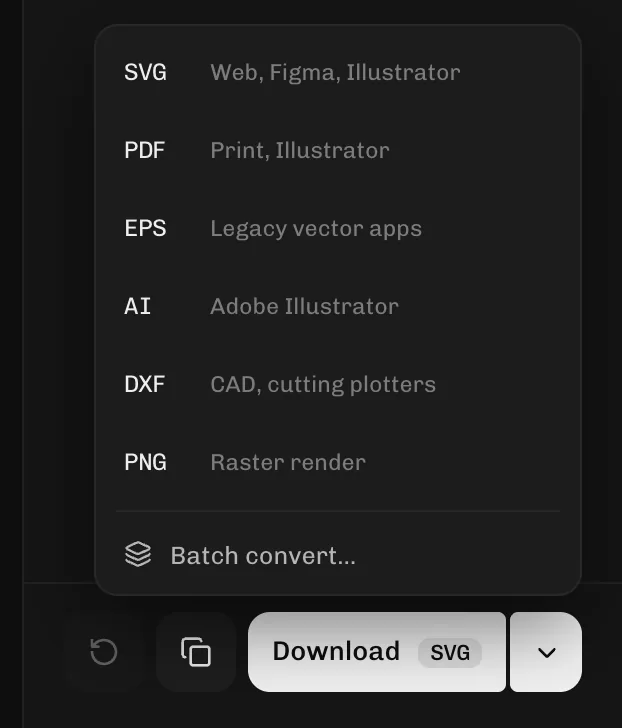
- Click Download and pick the format: SVG for the web and most design apps, EPS or PDF for print shops and sign makers. One trace gives you all of them.
Which format to send: SVG, EPS or PDF?
Ask the person who will use the file; they usually have a preference. As a rule of thumb:
- SVG: websites, apps, Figma, Canva, and cutting machines like Cricut and Silhouette.
- EPS: older print workflows, sign makers and promotional product suppliers.
- PDF: print shops and anyone who just needs to open and check the file.
- PNG: when someone wants a picture, not a vector. You can still download a fresh, sharp PNG at a bigger size from the vector.
For a longer comparison, see SVG vs PNG vs EPS vs PDF vs DXF.
When tracing is not enough
Tracing works best on logos with solid colors and clear edges. A few cases need more care:
- Tiny or very blurry source images: the trace can only follow the edges it sees. Find a bigger copy, or expect to tidy curves by hand.
- Text in the logo: traced letters become shapes. They look right, but you can't retype them. If you know the font, you can rebuild the text in a design app.
- Gradients and photo elements: they turn into bands of flat color. Many brands keep a flat, one-color version of the logo for exactly this reason.
- Embroidery: an embroidery shop needs a stitch file made by a digitizer. A clean vector logo is a good starting point to send them, not a replacement for that file.
Have an AI-generated logo? See how to vectorize an image from ChatGPT or Midjourney. Want just the converter? Use Logo to vector, PNG to EPS or PNG to PDF.