How to vectorize an image from ChatGPT or Midjourney
AI tools hand you a PNG. Print shops, cutters and logo files need shapes.
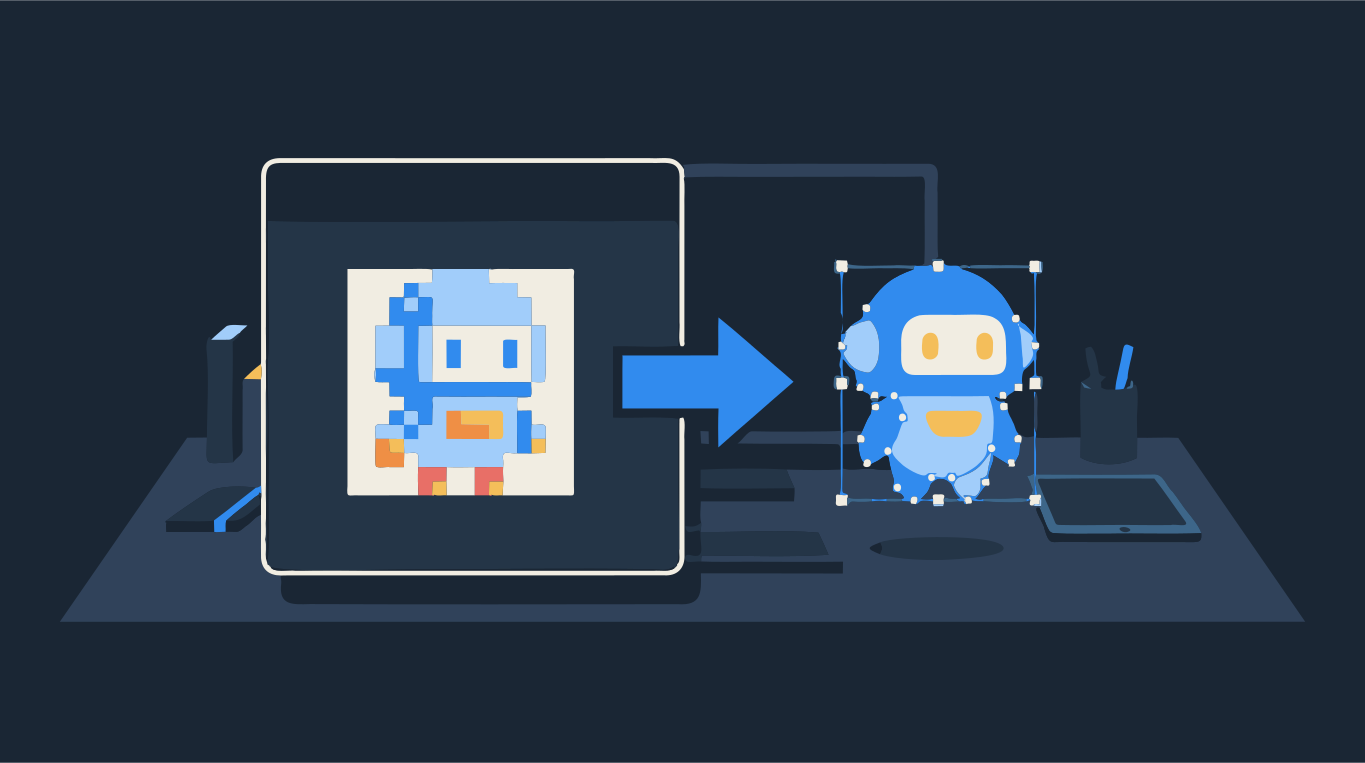
ChatGPT, Midjourney and Gemini all hand you a raster image: a grid of pixels, usually saved as PNG, sometimes as WebP or JPG. It looks sharp on screen, but a print shop, a vinyl cutter or a logo file needs shapes with edges, which is what a vector file (SVG, PDF, EPS) contains. To get one, you trace the picture into flat-colored shapes and save them as SVG.
The short version: download the largest version of the image, trace it with a small number of flat colors, check the edges, and export as SVG. How clean the result is depends mostly on the picture itself. Flat colors and a plain background trace well. Soft gradients, glow and painterly texture turn into hundreds of small shapes. Drop your image below to see what the trace looks like before you change anything.
Try it on your image
Clean SVG with flat colors
Why AI generators give you pixels, not vectors
Image models produce a picture pixel by pixel. They have no notion of a path, a curve or a layer, so what you download is always a bitmap. Asking for "a vector logo" or "SVG style" in the prompt changes how the picture looks (flatter, cleaner, more like an icon) but the file you get is still a PNG.
Chat assistants can also write SVG code directly. That works for very simple things like a circle, a badge or a few letters, but for anything with real shape and detail the drawing usually comes out crude and does not match the image you liked. Generating the image first and tracing it gives you the picture you chose, as shapes.
How to prompt for an image that vectorizes well
If you have not generated the final image yet, a few words in the prompt save a lot of cleanup later. You are asking for a picture that is already close to vector art:
- Flat colors: say "flat vector illustration", "flat colors" or "solid fills". Every flat area becomes one clean shape.
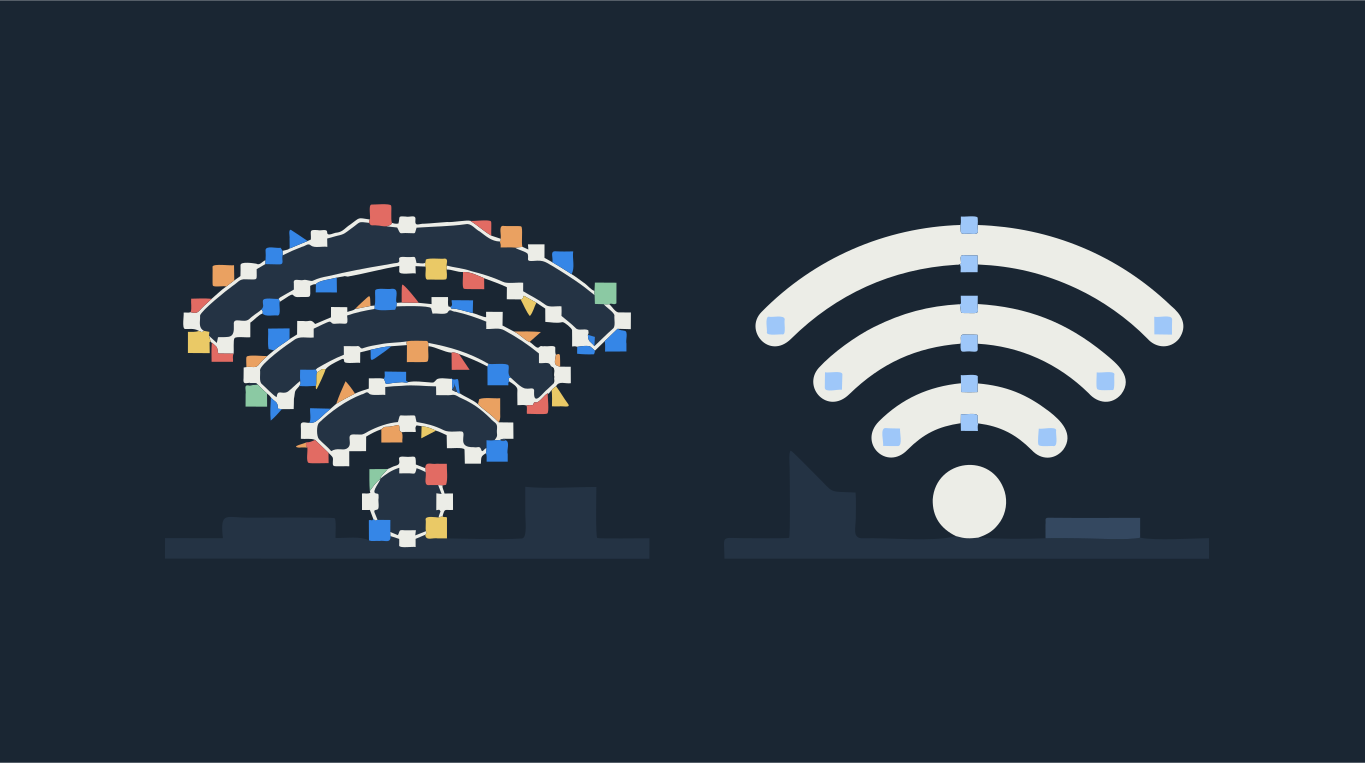
- No gradients or shading: add "no gradients, no shadows, no texture". Each step of a gradient becomes its own band of color.
- A plain background: "on a plain white background" or "isolated on a solid background". A busy scene behind the subject gets traced too.
- Few colors: "limited palette of 4 colors" or "two-color logo". Fewer colors means fewer layers to cut or print.
- Bold, simple shapes: "thick outlines", "simple shapes", "minimal detail". Thin hairlines and tiny details are where traces get messy.
Step by step: AI image to SVG
- Download the image at the largest size the generator offers. Use upscale or high-resolution download options if your tool has them: more pixels give smoother curves.
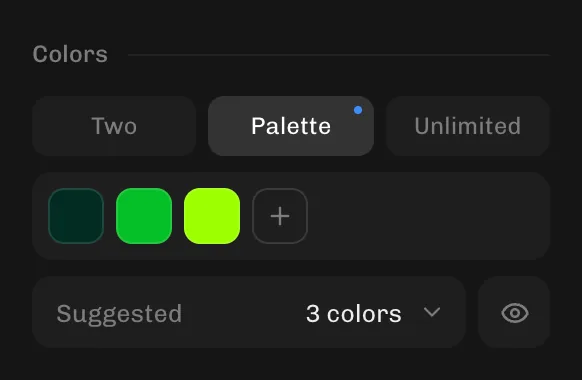
- Open it in the converter above. The colors are picked automatically; if the picture has extra shades you don't want, switch to Palette and set the number of colors you need.
- If near-identical shades still show up as separate shapes, lower the number of colors in Palette by one or two. AI images often have faint noise in areas that should be one flat color, and a tighter palette folds it into one.
- Check the edges in Compare view. If tiny specks appear, raise Min shape size. If curves look wobbly, move Smoothness toward Flatter curves.
- Remove anything you don't want, such as a stray background patch, with the erase tool, then click Download and choose SVG (or PDF or EPS for a print shop).
Vectorize without leaving ChatGPT or Claude
Shapesoda also works as an app inside ChatGPT and Claude. In ChatGPT, open Settings → Apps and find Shapesoda; then attach an image and ask to make it an SVG, and the Shapesoda window shows the result in the chat. In Claude, add Shapesoda under Settings → Connectors and ask to vectorize an image; the Shapesoda window opens and you pick the file there. Developers can do the same through the API.
The website gives you the most control: the full settings panel and the editing tools. The chat app is quicker when you are already generating images in the conversation.

What to do when the trace looks messy
- Too many shapes in shaded areas: lower the number of colors under Palette, or move Complexity toward Fewer shapes.
- Background traced as patches: regenerate with a plain background, or erase the extra shapes before you download.
- Jagged outlines: start from a larger image, or raise Smoothness. Check node count with Show paths & nodes; see why an SVG has too many nodes.
- Photo-like render with soft lighting: tracing turns it into flat bands of color. Regenerate in a flat style if you need clean shapes.
Can you use an AI image as a logo?
You can trace it into a logo file, and many small businesses do. Two things to keep in mind. First, check the terms of the generator you used for what you may do with its output. Second, a logo needs to work small and in one color, so simplify it: fewer colors, bolder shapes, no fine texture. Once you have the vector version, keep the SVG, EPS and PDF together so you never have to hunt for it again. The guide on getting a vector file of your logo covers what printers and sign makers expect.
Just need the converter? Use Image to SVG, PNG to SVG or Logo to vector.