How to make and sell SVG files on Etsy
Original designs, clean layers and a listing buyers trust.
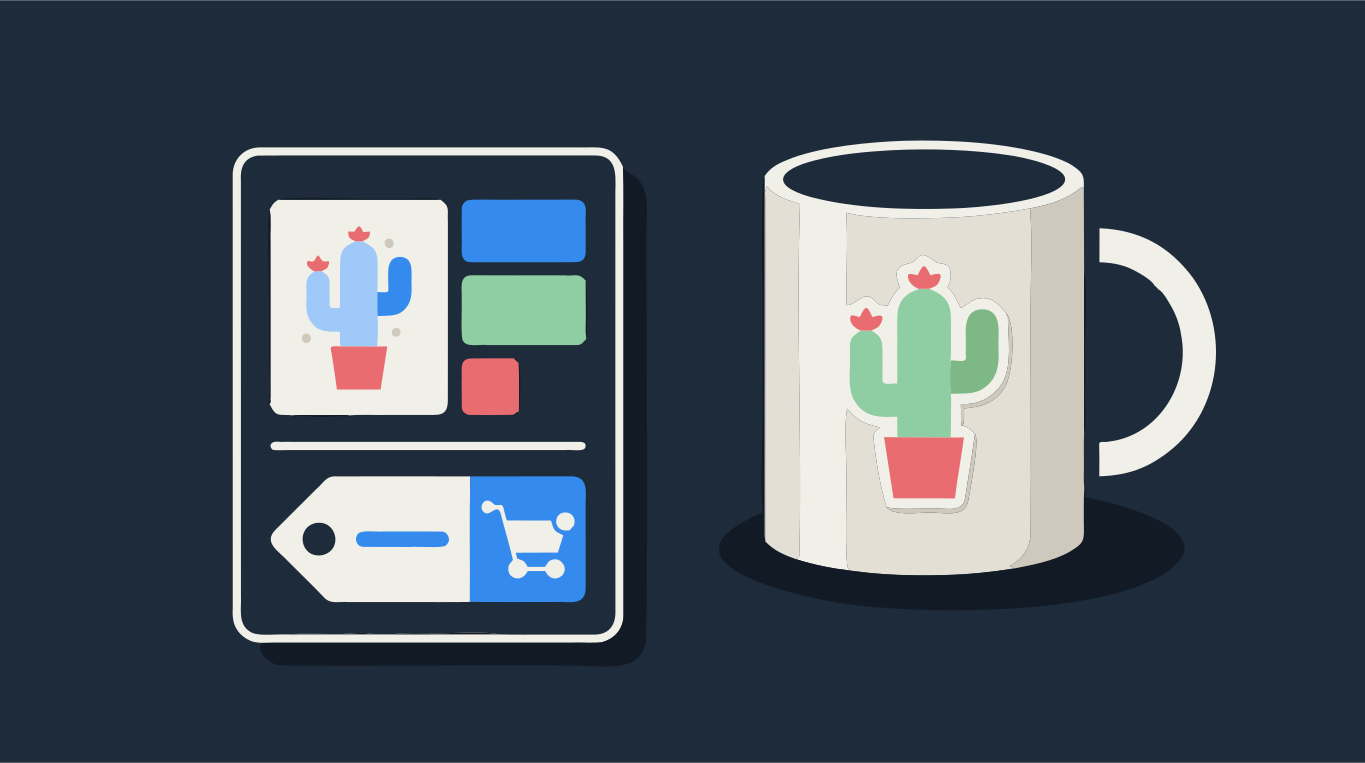
To sell SVG files, you need three things: a design you own the rights to, a file that cuts cleanly on the machines your buyers use, and a listing that makes it obvious they are buying a download. Draw or photograph something original, turn it into a layered SVG with one layer per material color, test-cut it, package it in the formats Cricut and Silhouette owners expect, and list it on Etsy as a digital item.
Most bad reviews for cut files are not about the design. They are about files that will not open, layers that do not line up, or pieces too small to weed. Drop a design below to see how it splits into color layers before you go further.
Try it on your image
Layered SVG for Cricut and Silhouette
Step by step: from idea to Etsy listing
- Make the design. Draw it on paper, in Procreate or in any drawing app, or start from a photo you took yourself. Keep shapes bold and gaps wide enough for a blade.
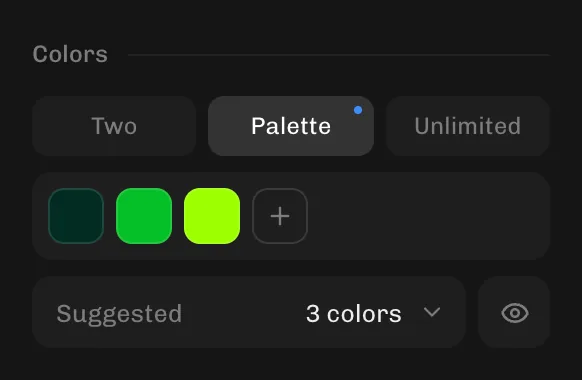
- Trace it into vector shapes. Drop the PNG or JPG into the converter above, set Colors to Palette and choose the number of vinyl colors you want buyers to cut. If you start from a photo, switch Image from Photo to Blended first, or the color count is ignored.
- Clean it up. Raise Min shape size to drop specks nobody can weed, lower the number of colors if one color split into two shades, and use the erase tool on anything that should not be cut.
- Download the formats you will include: SVG, DXF, PNG and EPS. All of them come from the same trace, so they match.
- Test-cut the file yourself in Cricut Design Space, and in Silhouette Studio if you can, at the smallest size you will recommend.
- Zip the files, write a short license note, take mockup photos and create the Etsy listing as a digital item.
What can you legally sell?
Only designs you have the rights to. Etsy's rules say what you list must be made, designed, handpicked or sourced by you, and cut files fall under designed by a seller. In practice:
- Your own drawings and your own photos are safe to sell.
- Characters, sports logos, brand names and song lyrics belong to someone else. Files built on them get reported and taken down.
- Clip art and design bundles you bought usually come with a license that forbids reselling them as cut files, even when they allow you to use them on physical products. Read the license before you trace anything you did not make.
- Fonts need a commercial license that covers selling digital files, not just making physical products. Many free fonts are personal use only. Check the font's license before using it in a file you sell.
- If you used an AI image generator in the process, Etsy requires you to say so in the listing.
One layer per vinyl color
Buyers cut one color of material at a time. So every color in your SVG should be one layer, and the number of colors should be the number of materials the buyer needs. Two to four is typical for vinyl designs. A file that opens with dozens of near-identical shades forces the buyer to merge layers by hand, and that is when the reviews turn bad.
- Stacked (no seams) lets lower colors run under the colors above. When the buyer layers vinyl, small misalignment does not leave gaps.
- Cut-outs, grouped by color fits the pieces side by side with no overlap, and keeps every piece of one color together. This uses less material and suits single-thickness projects like cardstock.
- Some sellers include both versions, labeled clearly. That covers both kinds of buyer.
Test-cut before you list
Open the SVG in Design Space the way a buyer would: upload it, insert it, and look at the layer list. Every color should be a separate layer with no stray black shapes and no empty layers. Then cut it, at the smallest size you suggest in the listing. Thin lines and small letters that look fine on screen can tear or be impossible to weed at 3 inches wide. If you see problems on upload, the guide on Cricut upload problems covers the usual causes.
What files to include
Cut file shops usually include the same set of formats, because buyers use different software:
- SVG: for Cricut Design Space and paid editions of Silhouette Studio. This is the main file.
- DXF: for the free basic edition of Silhouette Studio, which does not open SVG files. Without a DXF, many Silhouette owners cannot use your design.
- PNG: a high-resolution picture with a transparent background, for Print Then Cut, sublimation and previews.
- EPS: for Illustrator and other design software, and for buyers who resize or edit the design.
Put all formats in one zip with clear file names. Etsy's help center lists a limit of five files per digital listing and 20 MB per file at the time of writing, so a single zip per design keeps you well inside it. Remind buyers in the listing that they need to unzip the file before uploading it to Design Space, because Design Space cannot open zip files.
Etsy listing basics for SVG files
- List it as a digital item. Etsy offers instant downloads, where buyers get the files right after paying, and made-to-order digital items, where you upload the file after the sale. Ready-made SVG files are instant downloads.
- Say "digital download" or "SVG cut file" in the title, tags and the first line of the description. Etsy's own handbook recommends this, because buyers sometimes expect a physical product.
- Show the design cut and applied: on a shirt, a mug, a tote or a card. A mockup sells better than a flat preview, but make sure one photo shows exactly what is in the file.
- List what is included: formats, number of layers, recommended minimum size and which machines it was tested on.
- State the license in plain words: personal use only, or how many items buyers may sell with it.
Starting from your own photos? See how to turn a photo into an SVG for Cricut. For quick conversions, use SVG for Cricut or SVG for Silhouette.